
You know the scene. It's 9am, a reporter's inbox is already clogged, the deadline is ugly, and your “press kit” has to earn attention in the first glance. Most press kit templates fail because they read like marketing collateral, not a newsroom tool, so they force a journalist to hunt for facts that should be obvious within seconds. That's the filter I'd use anywhere, but especially for Scottish, London-based and overseas clients handled by Carlos Alba Media, where the team is built from former national news journalists or agency people who've worked with international brands. The question isn't whether the kit looks polished. It's whether a working desk can open it, trust it, and move on with the story.
1. Canva
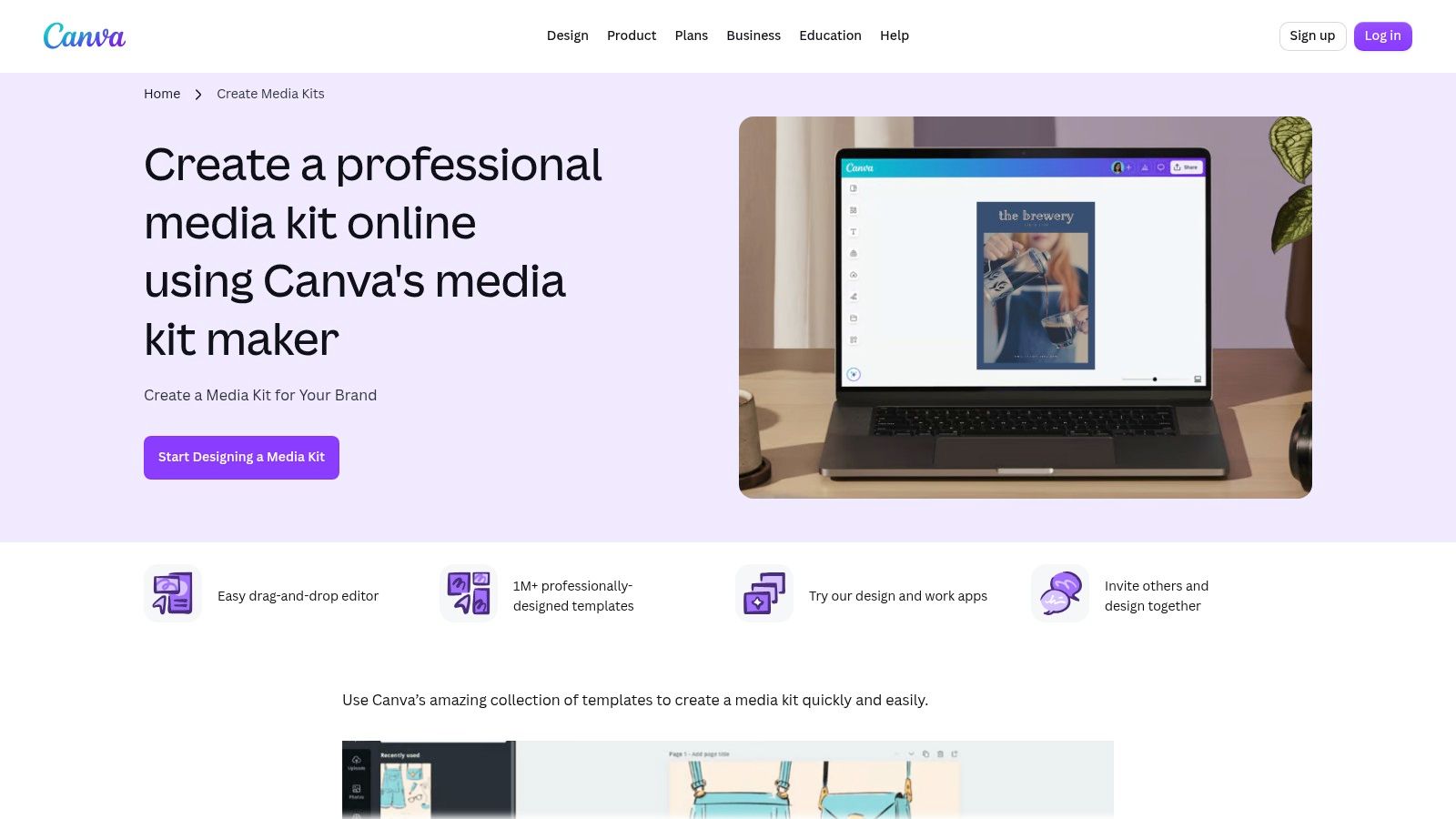
Canva is the easiest place to start if you need a decent-looking media kit fast and don't have a designer on tap. Its media kit templates are broad enough for branded PDFs, shareable links and lightweight multi-page packs, and the drag-and-drop editor keeps the learning curve low. For a small UK team, that matters. You can get a press-ready layout out the door before the inbox becomes a problem.
Where it works
Canva is strong when the facts are already sorted and you just need them framed properly. The brand kit tools help keep fonts and colours consistent, and exports for web or print make it easy to hand over something a journalist can open without chasing files. It's also a sensible place to pair a media kit with tighter release writing, which is why teams often keep a direct reference to press releases writing support nearby.
Practical rule: if your kit depends on heavy design to look credible, it's probably hiding weak content.
Where it falls down
The trade-off is governance. Canva gives you speed, but not the same control you'd expect from a dedicated brand-management environment, so asset discipline can get loose if several people are editing. The layouts can also look familiar, which is a polite way of saying generic, unless someone on the team is willing to customise them properly. A journalist won't punish you for using Canva. They will notice when the kit looks like everyone else's.
2. Adobe Express
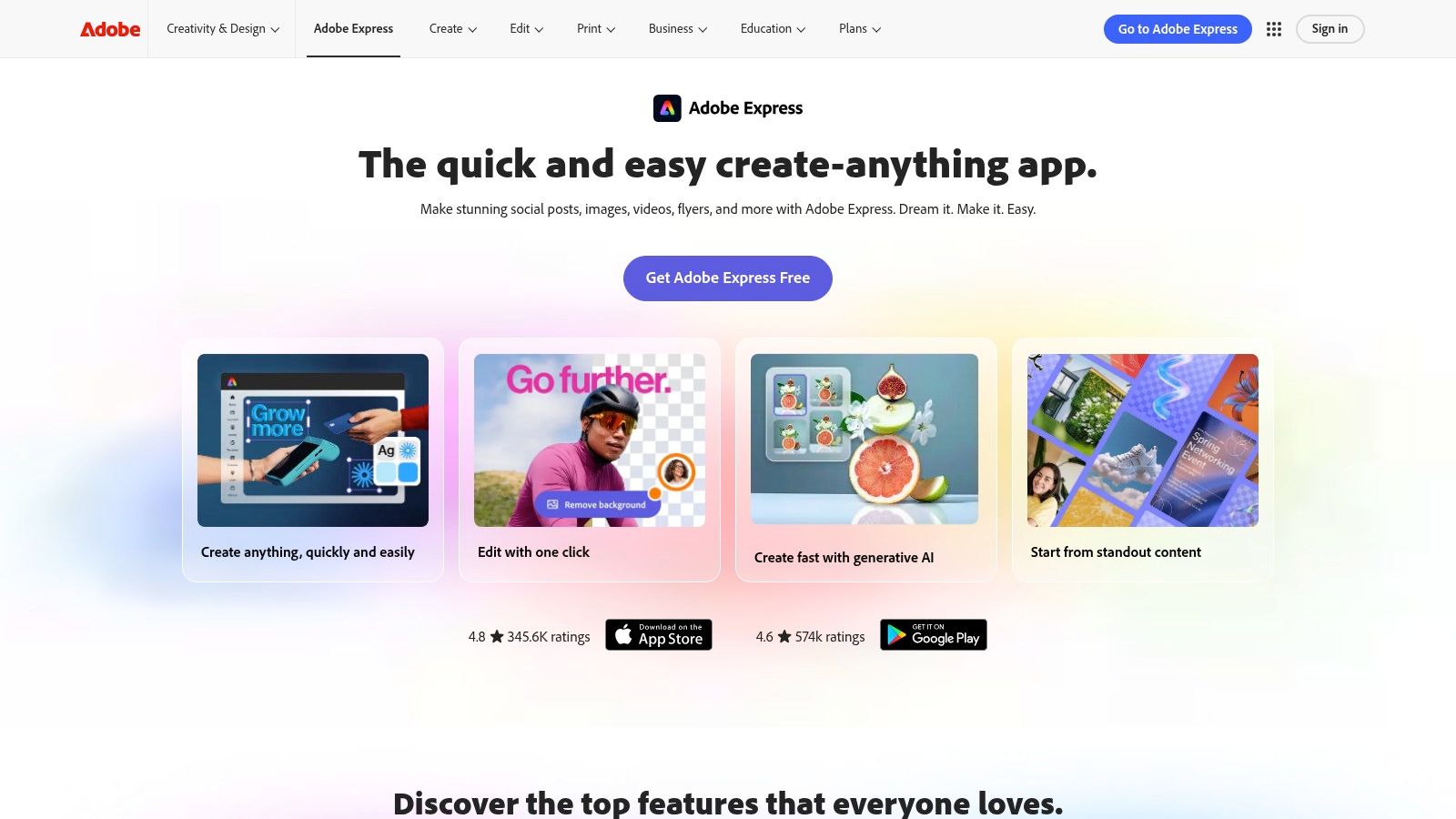
Adobe Express suits teams that already live inside Adobe and want to move quickly without rebuilding every asset from scratch. Its searchable template library and Brand Kit make it straightforward to apply fonts, colours and standardised styling across a media pack, while the outputs are clean enough for web and social use. The tool sits comfortably between basic template software and heavier design workflows.
Why desks tend to like it
It's easy for non-designers to use, which is the draw. If a founder, marketer and PR lead all need to make small changes without starting a design traffic jam, Adobe Express keeps the process civil. The platform also integrates naturally with Adobe assets, so brands already storing images, logos and typography standards elsewhere don't have to improvise every time they update a kit.
For a newsroom-style press kit, that consistency helps. The best versions feel like a fact pack, not a glossy brochure, and Adobe Express is capable of that if the content team keeps it disciplined. If you need inbox deliverability checked before distribution, pair the kit with the MailGenius inbox placement test rather than assuming every email lands cleanly.
What to watch
The weakness is specificity. There aren't as many press-kit-focused templates as you'll find in some media-kit libraries, so you may spend time bending a generic layout into something more usable. Collaboration also sits more comfortably inside Adobe's paid ecosystem, which can be fine for established teams and less comfortable for scrappier ones. In practice, Adobe Express is best when the brand already exists and the job is to package it neatly, not invent a whole press room from nothing.
3. Visme
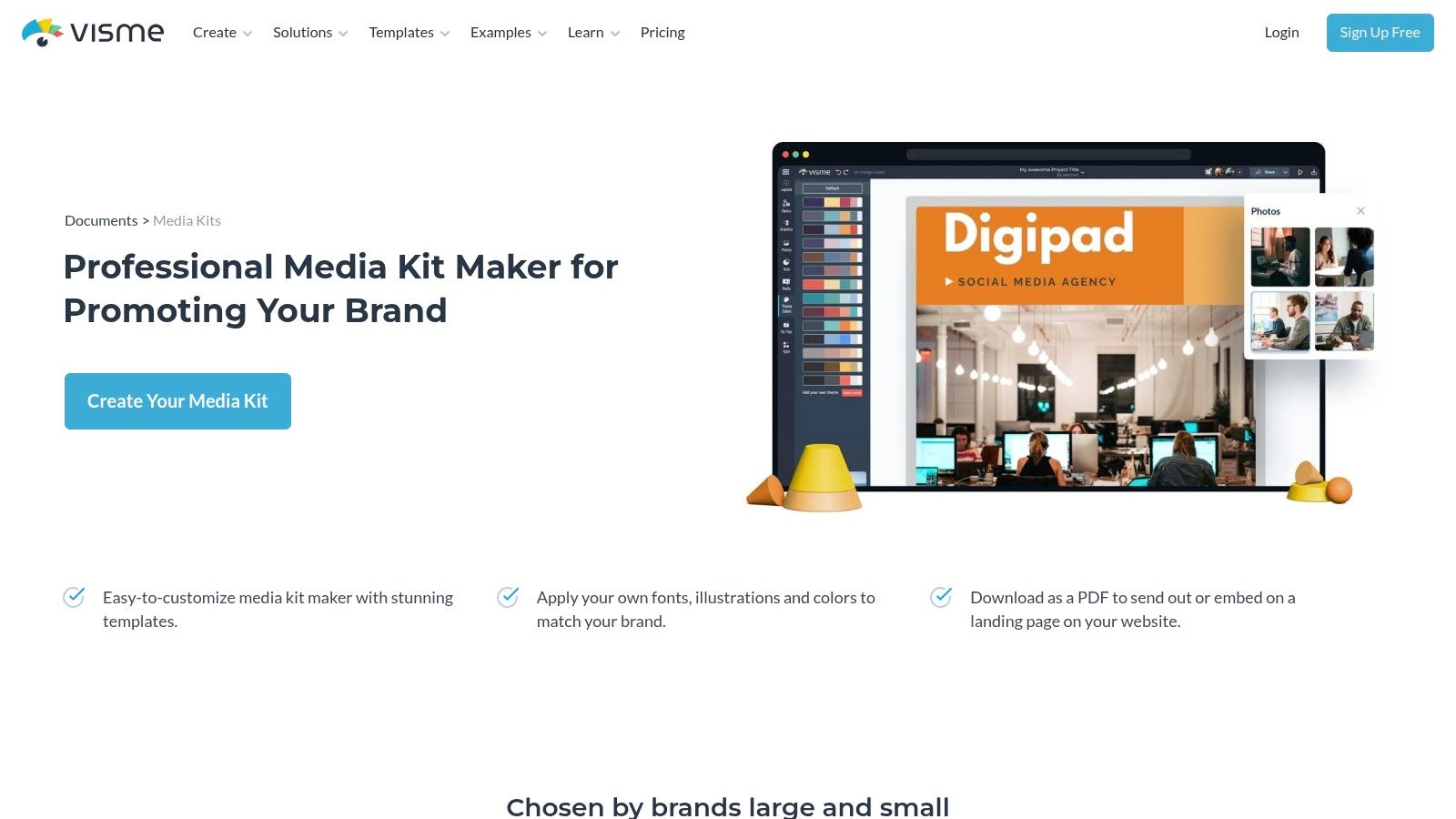
Visme makes sense when the media kit has to carry numbers without turning into a spreadsheet. Its media kit maker gives you templates, charts and brand tools in one place, and that combination is useful when you need to show proof points without making the page look cramped. For clients with launches, milestones or multiple service lines, Visme handles the data-heavy bits more gracefully than most general design tools.
Strong for fact-led kits
A journalist opening a kit wants the numbers in the right place and the assets close by. Visme is useful when you need charts, quick stats panels, bios and downloadable items sitting together without the page becoming an archive. It also works well if a brand wants to reuse the same visual system across client-facing decks and press material, because the structure can travel cleanly from one format to another.
The broader point is simple. Press kit templates work best when they let facts breathe. Visme does that better than tools that were built mainly for pretty slides, even if some of its templates still lean presentation-first and need editing before they feel press-ready.
Limits on the practical side
The premium features sit behind paid plans, which won't surprise anyone, but it does shape what's possible if you want richer exports or tighter brand controls. Some layouts also need a sharper editorial hand so they don't look like a sales deck in disguise. That's the danger with any tool built around visual storytelling. If the copy isn't stripped back, the kit starts to feel decorative.
4. Venngage
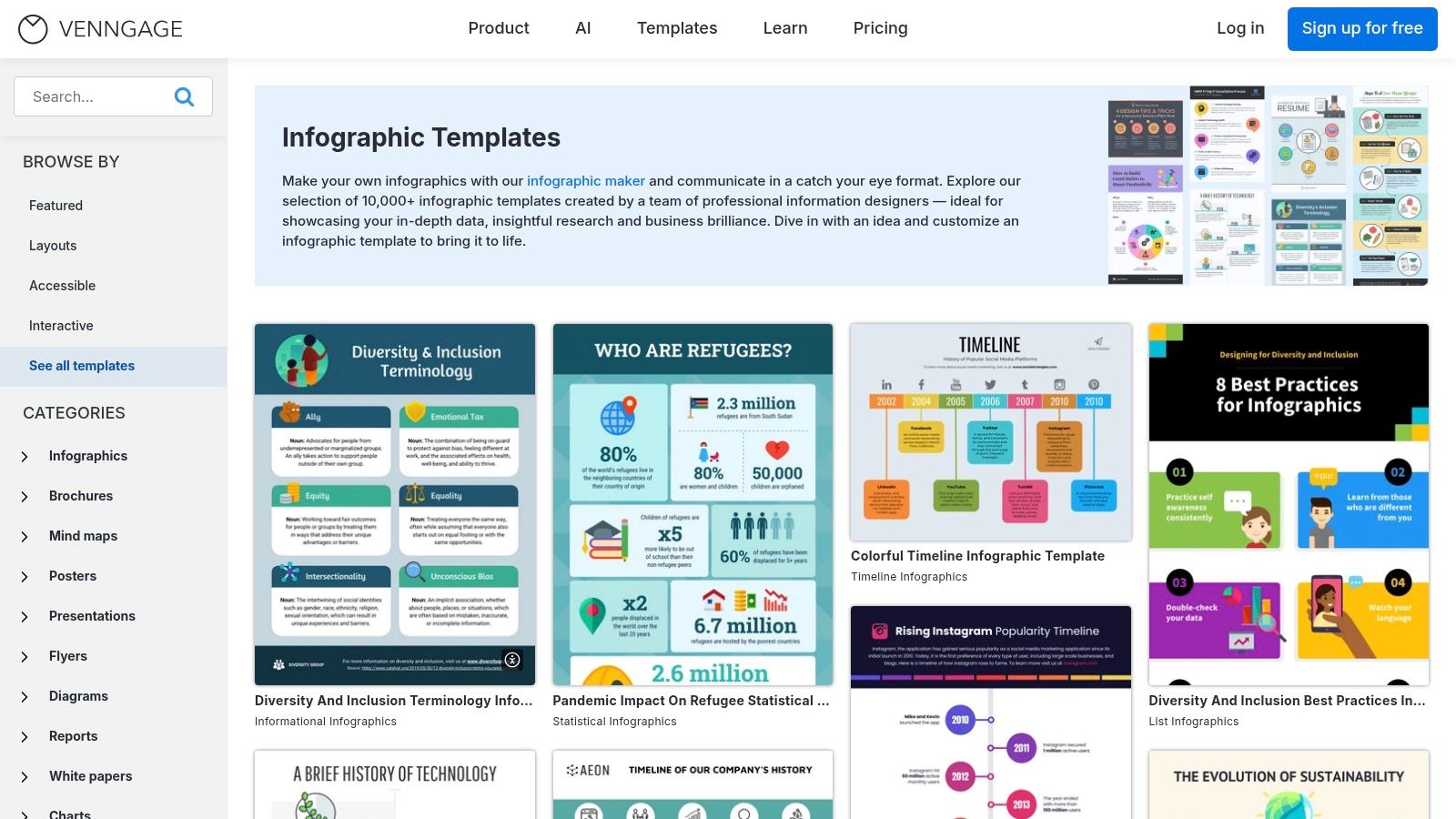
Venngage is a solid choice for agencies that need to turn a sponsor sheet, press one-pager or rate card around quickly. The template library is broad, the editor is simple enough to keep moving, and My Brand Kit helps apply colours and fonts without starting from a blank page every time. If you need consistency across a batch of client materials, it gets the job done with less fuss than most.
Best use cases
Venngage is useful when the audience is broader than journalists alone. A media kit might be going to partners, event organisers and commercial contacts as well as the press, so export flexibility matters. The platform supports PNG, PDF, PowerPoint and HTML on plan-dependent terms, which makes hand-off less awkward when different stakeholders want different formats.
Journalists don't want a design project. They want a page they can scan, a number they can trust, and a contact who'll answer.
That's where Venngage can work well. It keeps the kit visually coherent without demanding a designer's full attention, which is exactly what many in-house teams need.
Where it is weaker
The drawback is workflow. It's not especially newsroom-shaped, so you're adapting a design tool rather than using a PR system built around pitching and media handling. Some of the better templates and assets are also gated behind higher plans, which can push you into more cost than you expected. Still, if your priority is speed and visual consistency, Venngage is a pragmatic option rather than a heroic one.
5. Flipsnack
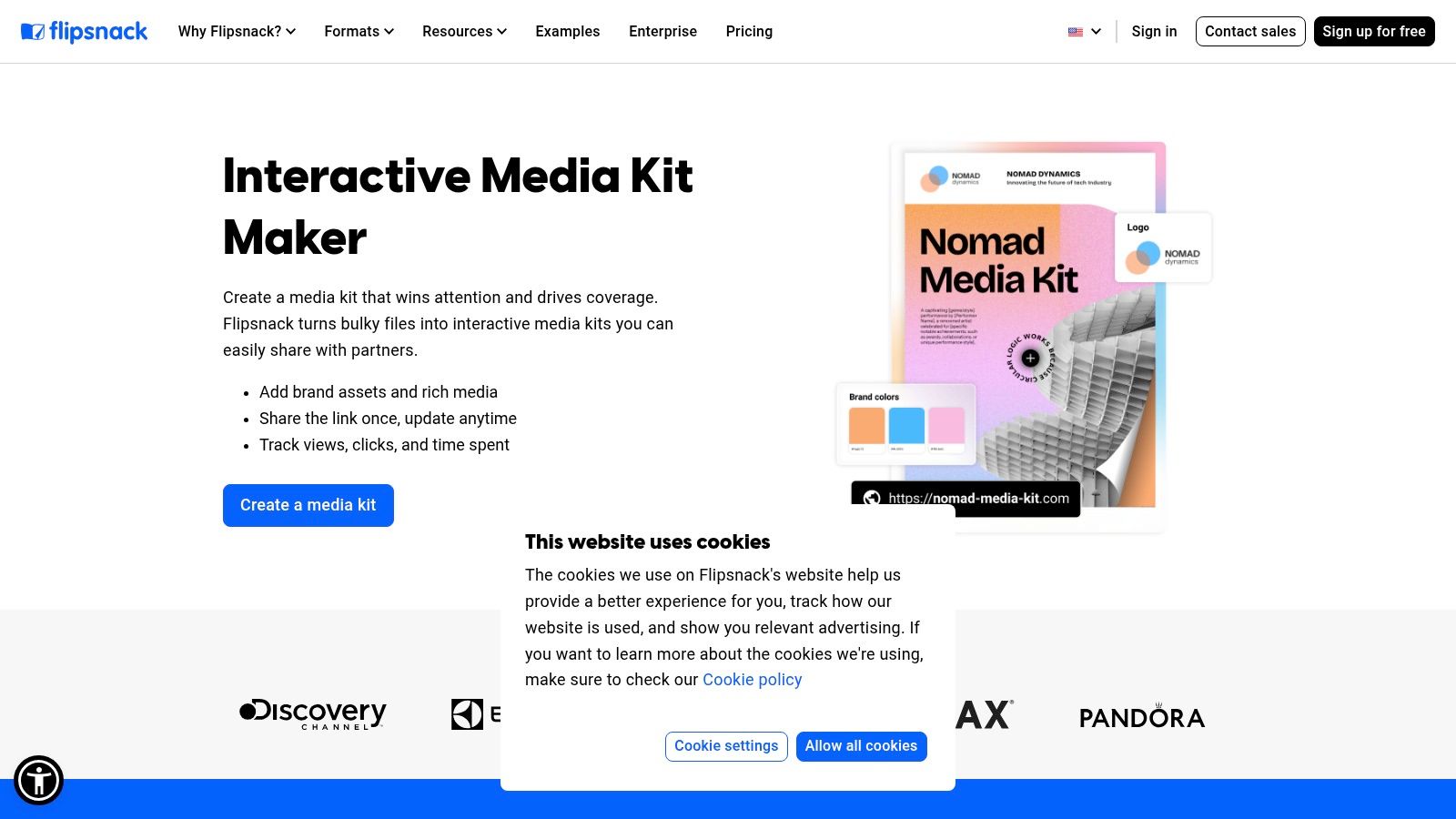
Flipsnack is for teams that want a media kit to feel interactive instead of static. It turns branded packs into flipbook-style experiences with embedded video, links and downloadable assets, so it suits clients where visual presentation matters, especially hospitality and tourism. The result feels more like a guided newsroom asset than a PDF sitting in someone's downloads folder.
What it does well
The strength is engagement. If a press pack includes rich photography, short video clips and linked supporting material, Flipsnack gives you a cleaner way to present it than a clunky attachment. The brand kit, template locking and customisation tools also help agencies keep multiple client kits from drifting into chaos. That matters when several people are adding assets and nobody wants a rogue logo crop.
It's also useful when you want a single URL to carry the whole package. That suits deadline behaviour better than a giant file, because a journalist can open a link fast and decide whether the story is worth the time.
What can irritate a newsroom
Some desks still prefer a quick-download pack, and Flipsnack is heavier than that. If the recipient wants a PDF they can save, annotate and forward internally, a flipbook can feel like an extra step rather than a help. PDF uploads also aren't fully editable inside the platform, so you need to prepare content carefully before publishing.
Flipsnack works when the kit is meant to be experienced. It's less convincing when the audience only wants facts and file access.
6. Envato Elements
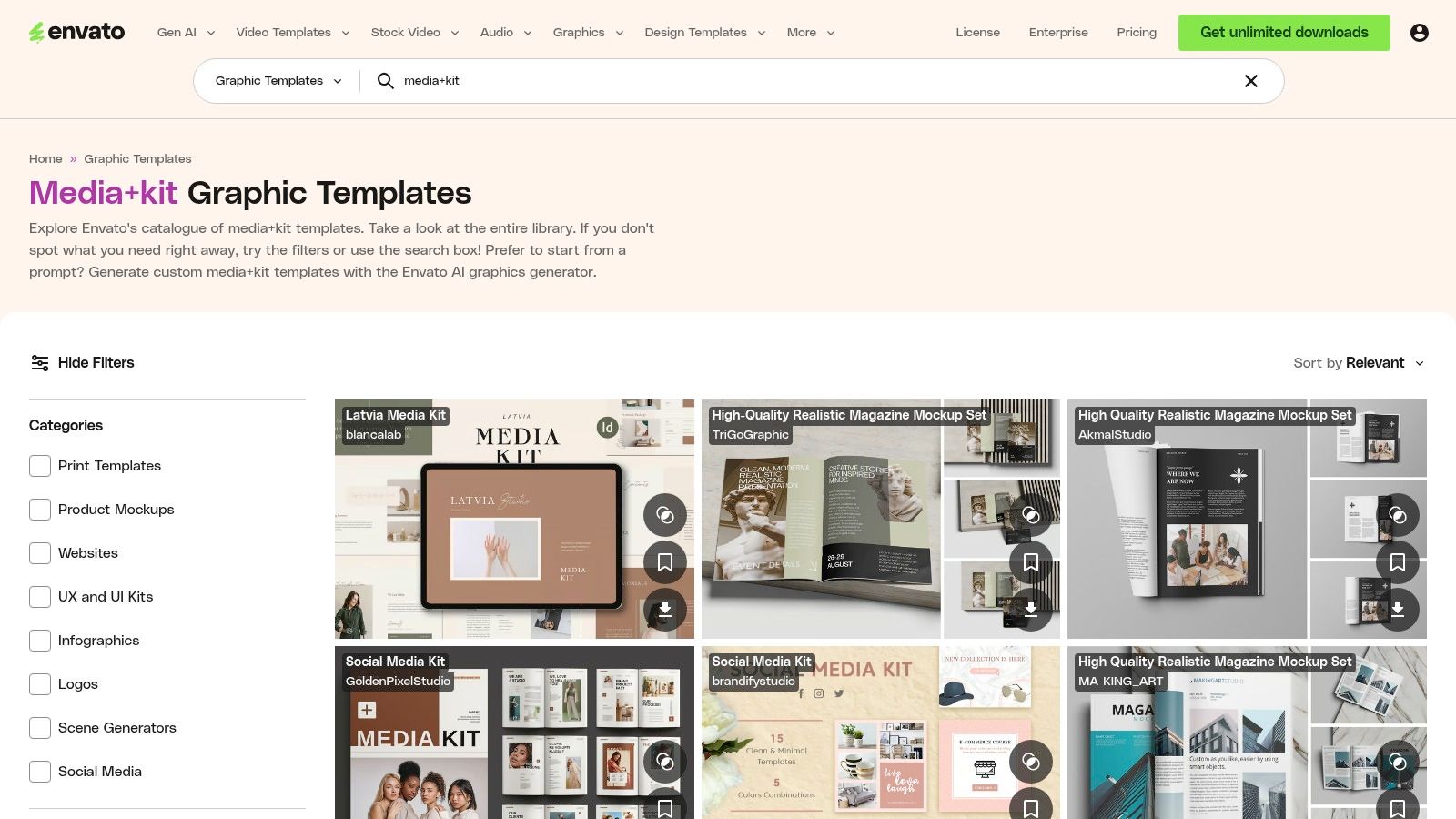
Envato Elements is the option for people who still like working in desktop software and want proper control over the finished file. Its catalogue includes thousands of media and press kit templates across formats, from InDesign to PowerPoint and Keynote, so the layout variety is broad and the design quality is usually strong. For agencies producing polished kits for multiple clients, that flexibility is valuable.
Why it appeals to experienced teams
Desktop editing gives you the most control. If a kit needs to sit comfortably beside a brand book, a launch deck and a PDF press pack, Envato's templates let you work across familiar tools without accepting a locked-in online editor. That's useful when a senior designer or communications lead wants to make detailed changes to spacing, typography and asset placement.
The style range is also wide enough to avoid every client looking like it came from the same template family. That matters more than people admit. A journalist may not comment on it, but the overall impression of the brand still counts when a kit lands alongside a release.
The trade-off
It's subscription-based, so downloads depend on an active plan. You also need the skills to edit properly in Adobe or Office apps, which means it's not ideal for a founder who just wants a quick page by lunchtime. This is a tool for people who know what they're doing, and for those teams it can produce sharp, agency-grade results without compromising layout control.
7. Creative Market
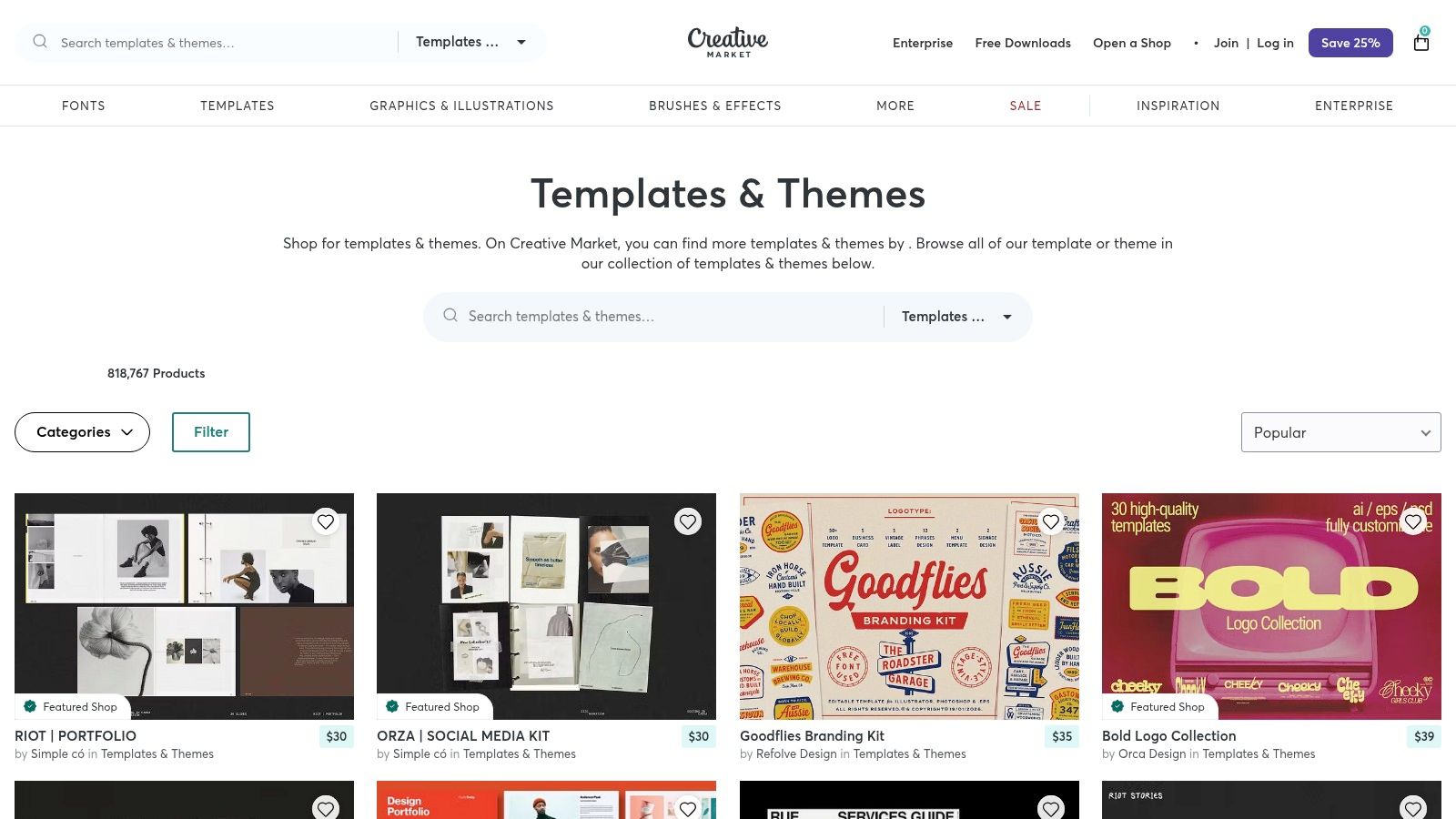
Creative Market is the better pick when you want to buy one template and move on. It's a marketplace of independent designers, so the styles are varied, often niche, and more individual than the usual mainstream template fare. That makes it useful when a kit needs a distinct look without signing up to another subscription.
Where it wins
The main appeal is simple commercial sense. You pay per template, the licence terms are shown per item, and you can choose formats that work in Canva, InDesign, PowerPoint and other tools. That makes it easy to match the kit to the skills already in-house instead of forcing everyone into the same software.
Creative Market is also strong on variety. If the brief is unusual, such as a boutique lifestyle brand, a founder-led consultancy or a consumer launch with a strong visual identity, the marketplace usually has something more distinctive than the polished but repetitive corporate defaults.
What to inspect closely
Quality varies by seller, and documentation can be patchy. Some templates are brilliantly built, others need more cleanup than they should. That means the buyer has to read the listing properly and not just fall for a nice preview image. A newsroom desk would call that basic due diligence, which is what it is.
It's a good choice when you want freedom and don't need an ongoing platform relationship. It's a weaker choice if your team expects a single, standardised environment with consistent support.
8. Notion Press Kit Template
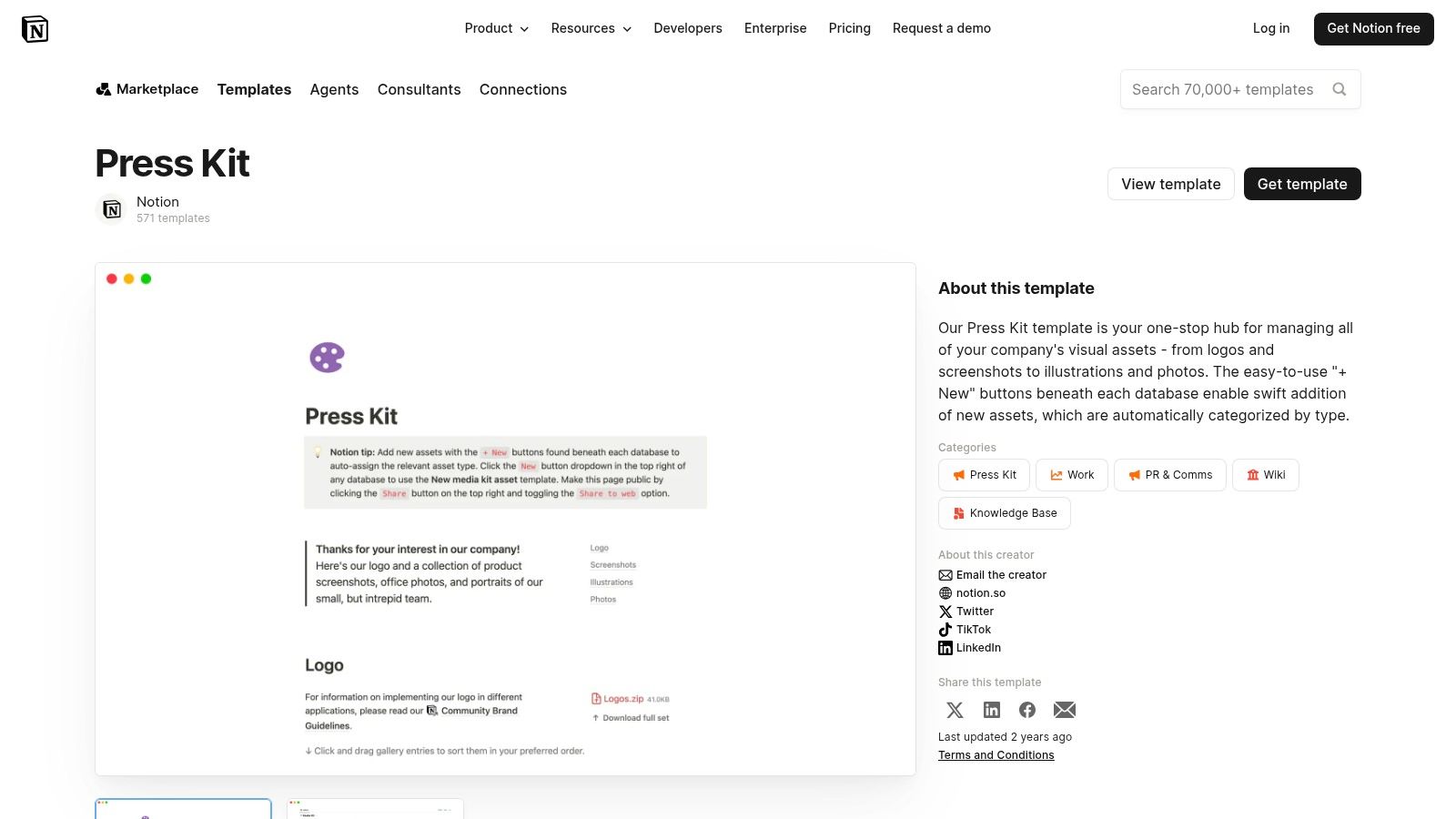
Notion is useful when a brand needs a live press page more than a designed brochure. The duplicable Press Kit template gives you a simple structure for bios, logos, brand assets and facts, and because it lives in a workspace, it's easy to keep current. For early-stage startups, that's often enough to get through the first rounds of outreach.
Why it's useful
The biggest advantage is speed. You can publish to the web, update the copy fast and avoid design software entirely. That makes it a decent interim answer before a fuller newsroom site exists, especially when the team just needs somewhere to host facts, headshots and links that won't go stale overnight.
It also works for people who think in notes, databases and pages rather than in fixed print layouts. That's fine, as long as the content is tight and the page doesn't feel like an internal wiki accidentally made public.
Where it looks weak
Notion tends to look like Notion unless someone invests time in styling. Branding control is limited compared with dedicated press-room tools, and analytics are thin if you want to know how people are using the page. That's not a fatal flaw, but it is a reminder that this is a functional tool first.
If the page is going to live publicly for long, a stronger editorial structure matters. If you're building that structure alongside search intent and discoverability, a tighter SEO for press releases approach helps the wider press activity connect to the kit instead of floating separately.
9. Prezly
Prezly is where the kit stops being a file and becomes part of a newsroom. Its branded online newsrooms house press releases, media libraries and press kits in one place, and the platform is built for pitching and contact management as much as for presentation. That makes it a better fit for agencies and brands that need the press function to feel organised rather than decorative.
Why it behaves more like a PR system
Prezly is designed for journalists' workflows, which is the main reason it earns a place here. Instead of sending bulky PDF packs back and forth, teams can share links to a live hub that holds stories, assets and outreach together. For a UK-facing operation, that usually means fewer version-control headaches and less chance of sending the wrong attachment to the wrong desk.
The platform also supports SEO-aware publishing, so the newsroom can do some of the discovery work for you. That matters if the kit is only one part of a broader media strategy rather than the whole story.
When it is too much
If all you need is a single static PDF, Prezly is overkill. It's a SaaS platform with the overhead that comes with one, so the cost and setup make more sense when the press operation is ongoing. For teams doing regular outreach, though, the structure is exactly the point.
If you want to see how that kind of press activity connects to coverage rather than sitting in a silo, how to get press coverage is the better companion issue to think about.
10. presskit.gg
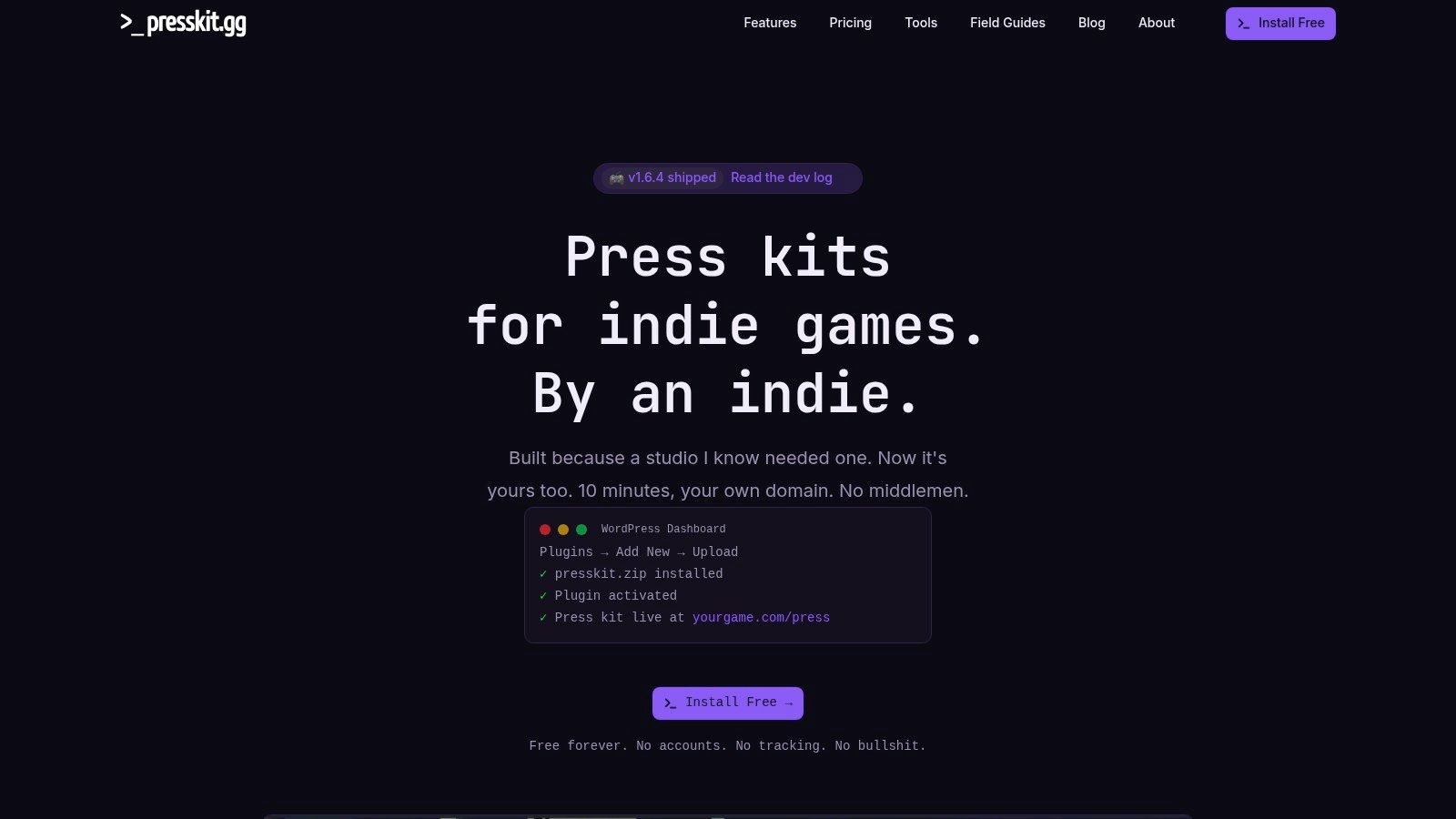
presskit.gg is the neatest option for teams that want the kit to live on their own domain. It's a WordPress plugin that builds a structured press area with themes, SEO-friendly pages, media downloads and factsheet fields, so the result feels like part of the website rather than an outsourced add-on. For studios and indie developers, that fits the way press traffic lands.
Why ownership matters
A press kit on your own domain is easier to govern and easier to keep tied to the rest of the site. You control the page, you control the assets and, on paid tiers, you control the analytics too. That's a sensible setup for brands that want the press area to behave like a permanent asset rather than a one-off campaign file.
The built-in tools, including a press email generator and launch checklist, are practical rather than flashy. That suits the overall product. It's built for press consumption, not for design theatre.
Caveats
You do need WordPress hosting and enough site administration to keep it running properly. The defaults lean gaming-oriented, though they can be adapted for other brands without too much strain. If you're comfortable with the site side of things, it's a strong on-domain option. If not, it can become another admin burden nobody asked for.
Top 10 Press Kit Template Platforms, Comparison
| Tool | Core features ✨ | UX / Quality ★ | Value / Price 💰 | Target audience 👥 | Standout 🏆 |
|---|---|---|---|---|---|
| Canva | Drag‑and‑drop templates, team sharing, print/web exports | ★★★★, very easy, generic risk | 💰 Free + Pro (low cost) | 👥 Small teams, non‑designers, startups | Fast, low‑skill branded PDFs |
| Adobe Express | Template library, Brand Kit, stock integrations | ★★★★, polished, Adobe feel | 💰 Free + Adobe subscriptions | 👥 Adobe users, teams wanting polish | Integrates with Adobe assets |
| Visme | Media‑kit templates, charts, data visuals | ★★★★, strong for infographics | 💰 Freemium; paid for advanced exports | 👥 PR teams needing metrics | Data‑rich, reusable kits |
| Venngage | Large templates, My Brand Kit, flexible exports | ★★★★, quick brand application | 💰 Freemium; premium assets locked | 👥 Agencies assembling one‑pagers | Fast brand application & exports |
| Flipsnack | Interactive flipbooks, embeds, brand controls | ★★★★, engaging but heavier | 💰 Paid plans; limited free tier | 👥 Hospitality/tourism, visual brands | Interactive press kits that boost engagement |
| Envato Elements | Thousands of editable templates (InDesign/PPT/PSD) | ★★★★, agency‑grade layouts | 💰 Subscription for downloads | 👥 Designers/agencies needing control | High‑end, desktop‑editable templates |
| Creative Market | One‑off template marketplace | ★★★, quality varies by seller | 💰 Pay‑per‑item (no subscription) | 👥 Buyers needing one‑time licences | Buy single, niche designs from indie creators |
| Notion (Press Kit Template) | Web‑publishable press page, asset galleries | ★★★, simple, looks like Notion | 💰 Free (basic) | 👥 Early‑stage startups, founders | Quick, always‑on press page with easy updates |
| Prezly | Branded newsrooms, pitching, asset hosting | ★★★★★, journalist‑centric UX | 💰 SaaS (premium vs DIY) | 👥 Agencies, PR teams, larger brands | Full PR workflow + pitching tools |
| presskit.gg | WordPress press kit plugin, SEO, themes, analytics | ★★★★, on‑domain, fast pages | 💰 Free plugin + paid analytics | 👥 Studios, indie devs, brands owning domain | On‑domain press kits with ownership & analytics |
Ship the Kit, Then Keep It Alive
A press kit is not a launch-day deliverable. It's a living document that needs version control, current boilerplate, and the discipline to change when the business changes. The template is only the wrapper. What matters is whether the facts inside are current, the assets are easy to reuse, and the contact details still reach a human who can answer under pressure.
The newsroom rule is blunt. Refresh the kit when the company shifts, not when someone remembers. Quarterly is a sensible rhythm for reviewing assets, and every funding round, hire or major announcement should trigger a proper update to the bios, milestones and proof points. The same goes for rights notes and usage guidance, especially for UK brands that publish assets online and expect journalists, partners and creators to know what they can safely reuse. That legal housekeeping is rarely glamorous, but it stops messy questions later.
The best teams also pair the kit with actual outreach. A tidy newsroom page won't rescue weak pitching, and a strong pitch can still fail if the supporting material is buried in a messy folder. That's where a newsroom-trained agency earns its keep. Carlos Alba Media builds and distributes press activity across broadcast, print, online and social, and the team's background in national journalism and senior brand handling gives them a practical sense of what editors will open first and ignore second.
If your kit needs more than a template, use a team that knows how journalists scan, skip and select under deadline. Visit Carlos Alba Media if you want a press kit built with newsroom discipline, then paired with outreach that has a chance of landing.